

Food diary for iPhone and iPad
We track calories, not you.
TellerBuddy counts what is on your plate: scan the barcode, confirm the amount, done. No ad network, no trackers, servers in Germany.
TellerBuddy is free to use, no subscription needed. Photo recognition, Bluetooth kitchen scale and cloud backup come with a subscription, which new subscribers try free for three days.

- No third-party SDK
- Servers in Germany
- Works without an account
- No points, no badges
1Logging
Two taps, and it is in.
Pick the product, confirm the amount, done. How you get to the product depends on what is in front of you: a pack with a barcode, an apple, a piece of cheese from the counter or the dinner you cooked yourself.
Scan the barcode
Point the camera at the pack. Calories and nutrition values go straight into the diary.
Search
Text search across the whole catalogue, with brand, calories and Nutri-Score in the results.
Basic foods
Rice, egg, apple and thousands more are built into the app, with no packaging and no barcode.
Photo of your meal
Photograph instead of typing: the recognition suggests foods and nutrition values. With a subscription, with your consent and an account.
Your recipes
What you cook regularly, you create once and then log with just a few taps.


2Your daily target
The number the app works with.
During setup, TellerBuddy asks for sex, age, height, weight, activity and goal. From these it works out your daily target for calories, protein, carbs and fat, plus how much to drink. Try it: this page uses exactly the same formulas.
Basal metabolic rate after Mifflin-St Jeor, times an activity factor. To lose weight 20 per cent less, at least 250 and at most 750 kcal; to build muscle 10 per cent more, at least 150 and at most 500 kcal; to build muscle while losing fat 5 per cent less. The app never goes below 1,200 kcal (female), 1,500 kcal (male) or 1,350 kcal (non-binary, not specified). Protein follows your weight, above a BMI of 25 the weight at BMI 25. The app calculates your targets from your profile; what you can change by hand in Settings is your water target.
Daily target
1,917kcal
1.8 L to drink a day
- Basal metabolic rate1,394 kcal
- with activity1,917 kcal
- for your goal±0 kcal
The calculation runs only here in your browser; nothing is sent or stored. The values are estimates and do not replace medical or dietary advice. TellerBuddy is intended for adults aged 18 and over.
3Your plate
Put on it what you eat.
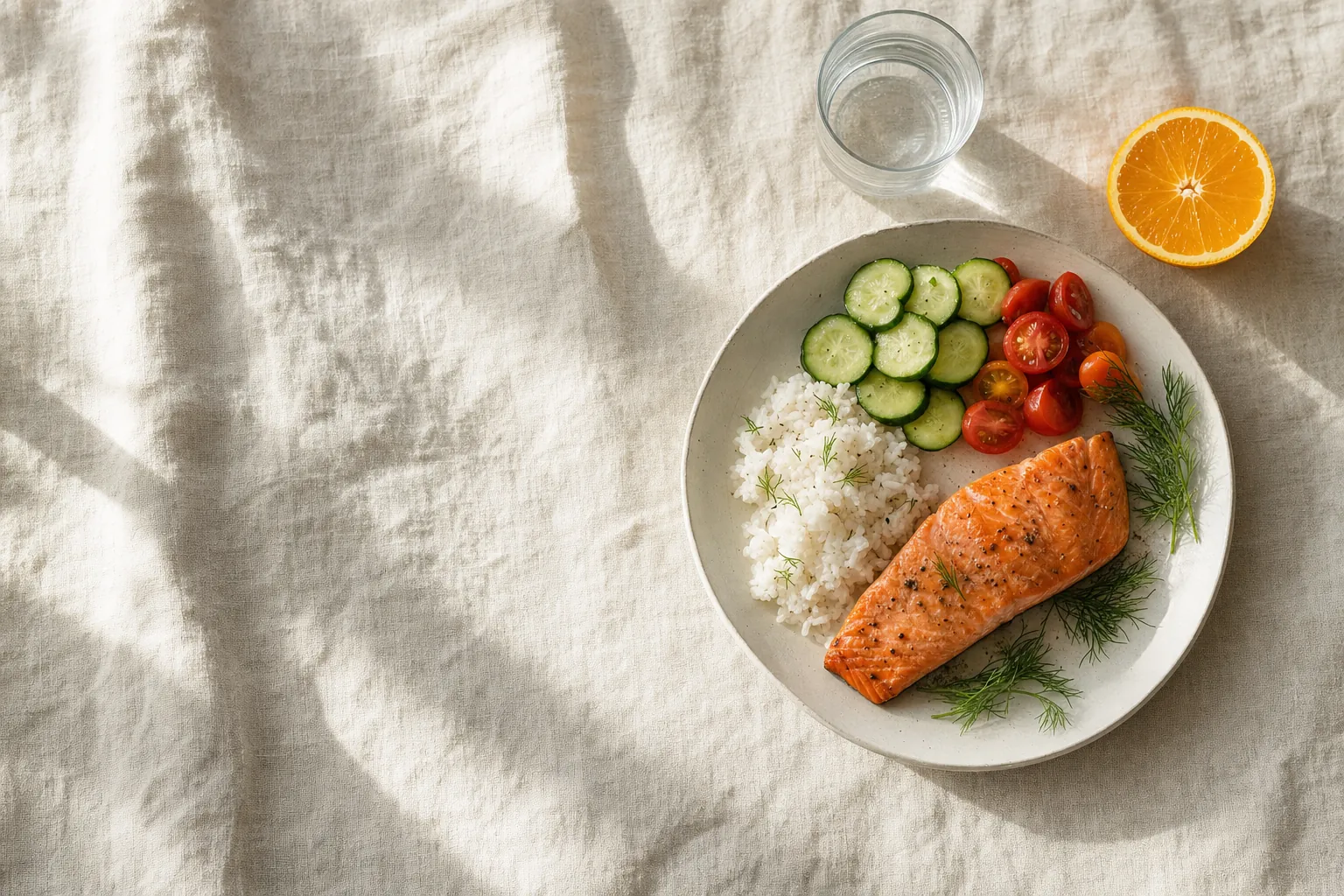
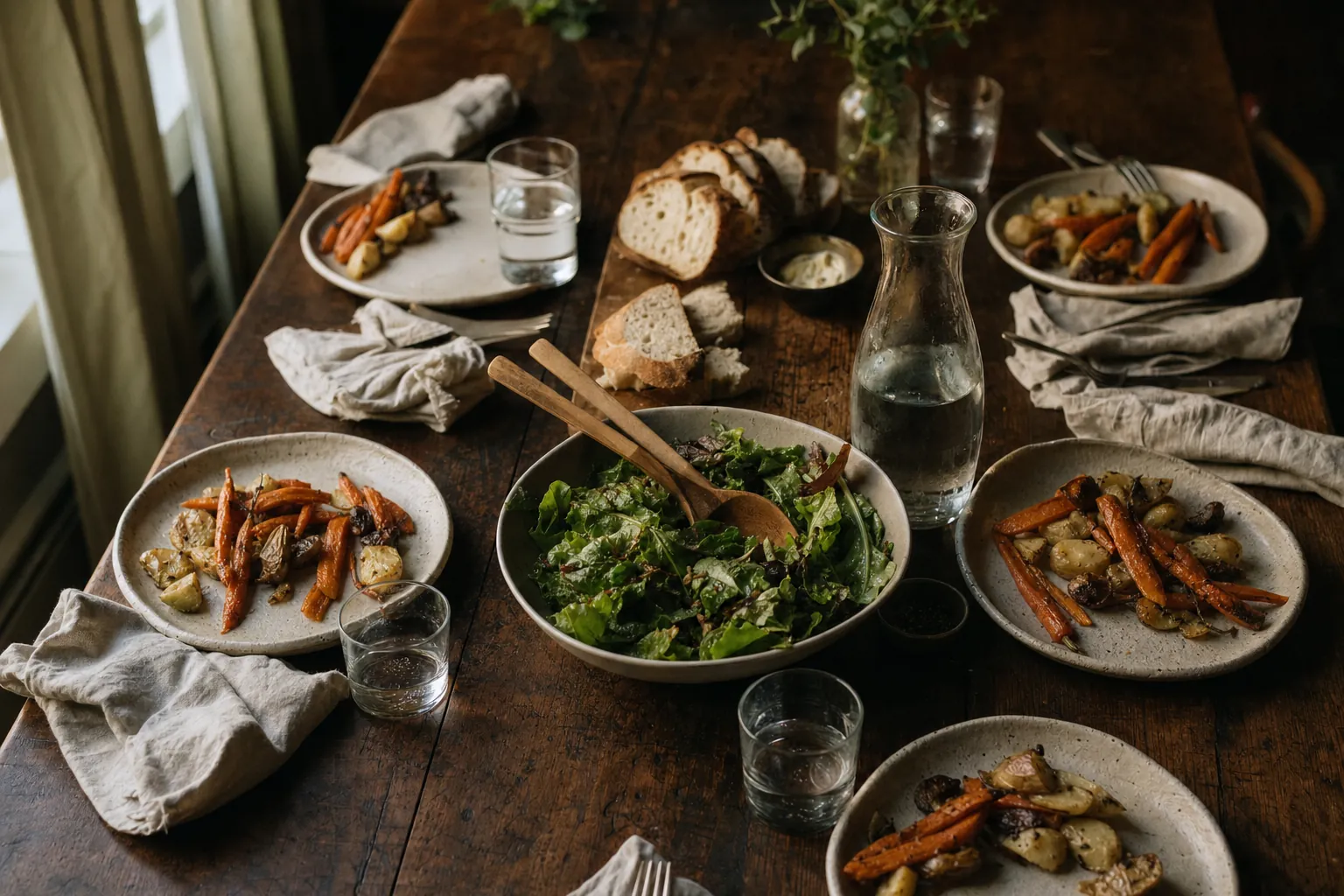
The ring around the plate fills up with your daily target from chapter 2, and below it you see fat, carbs and protein in the same order as on the overview in the app. We started with the plate from the photo at the top. Tap foods to add or remove them and change the grams.
Basic foods from the app, kcal per 100 g
Nutrition values per 100 g from the list of basic foods built into the app (3,773 entries, based on the CIQUAL food composition table). This is only a small selection, and nothing is stored.
1,340 kcal left
- Salmon308 kcal150 g
- Rice, cooked234 kcal180 g
- Cucumber18 kcal120 g
- Tomato18 kcal100 g
The plate is empty. Tap a food.
4Kitchen scale
To the gram, no typing.
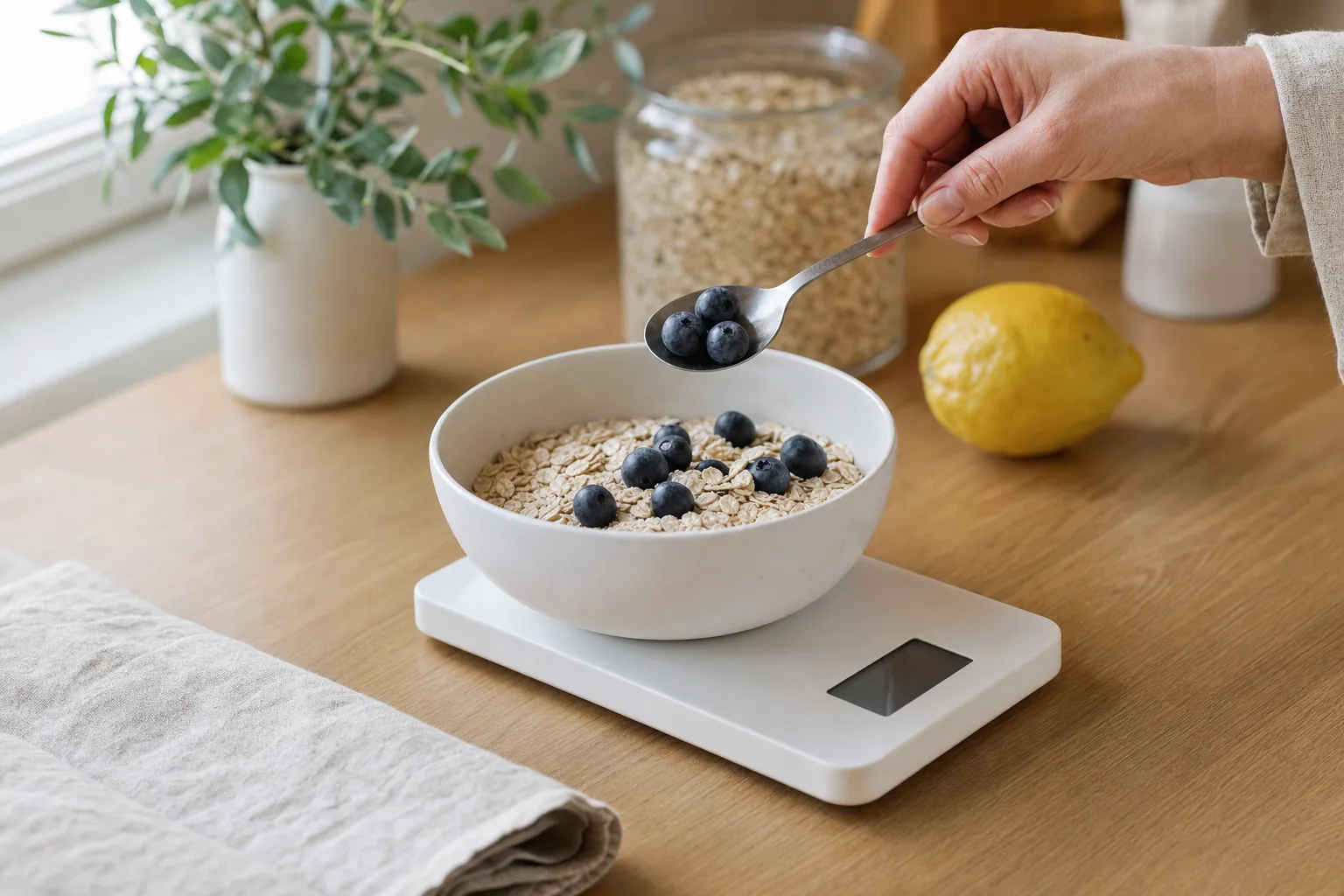
With a supported Bluetooth kitchen scale you put the ingredient on and the weight is in the app. Before every ingredient the scale zeroes itself, so you can weigh a whole bowl of muesli one ingredient after another in the same bowl.
- 1Switch on the scale. The app finds it over Bluetooth and connects.
- 2Put the ingredient on. The weight shows up in the app straight away.
- 3Confirm. For the next entry the scale goes back to 0 g.
The scale connection is part of the subscription, the scale itself is not: it is not included and must be bought separately. Supported are the Arboleaf CK10G (affiliate link to Amazon) and the Acaia models Umbra, Pearl S, Lunar and Pyxis. Without a scale you simply type in the amount.
5Counter and catalogue
No barcode needed. And what is missing gets added.
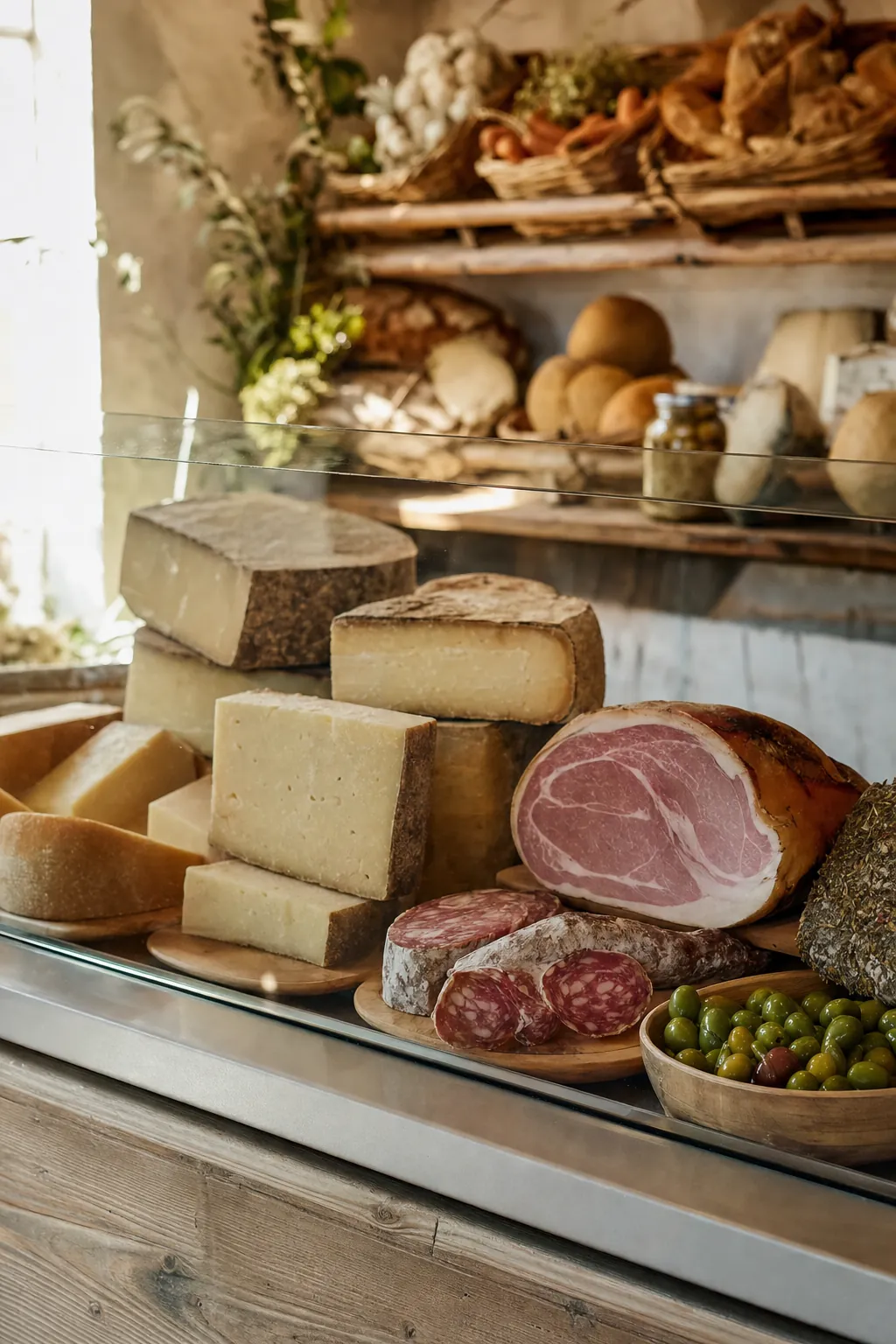
Cold cuts and cheese from the counter have no fixed barcode. You find them by name, and basic foods such as rice, egg or apple are built into the app anyway.
If a packaged product is missing, you take three photos: front, nutrition table, ingredients. You have already scanned the barcode. The app reads the details, and the product is in the catalogue for everyone straight away, marked as unchecked in the app. The review follows afterwards. For this you need an account with Apple.
- You can also create products just for yourself, with no review at all.
- Create recipes once, then log them with just a few taps.
- Details from the community that are not yet confirmed are marked in the app.
6The whole day
Everything besides food, at a glance.
The overview shows your day as a list of your entries in the order you made them, with totals for calories, fat, carbs, protein and sugar. Water, steps and, if you like, your fasting window run alongside.


Water
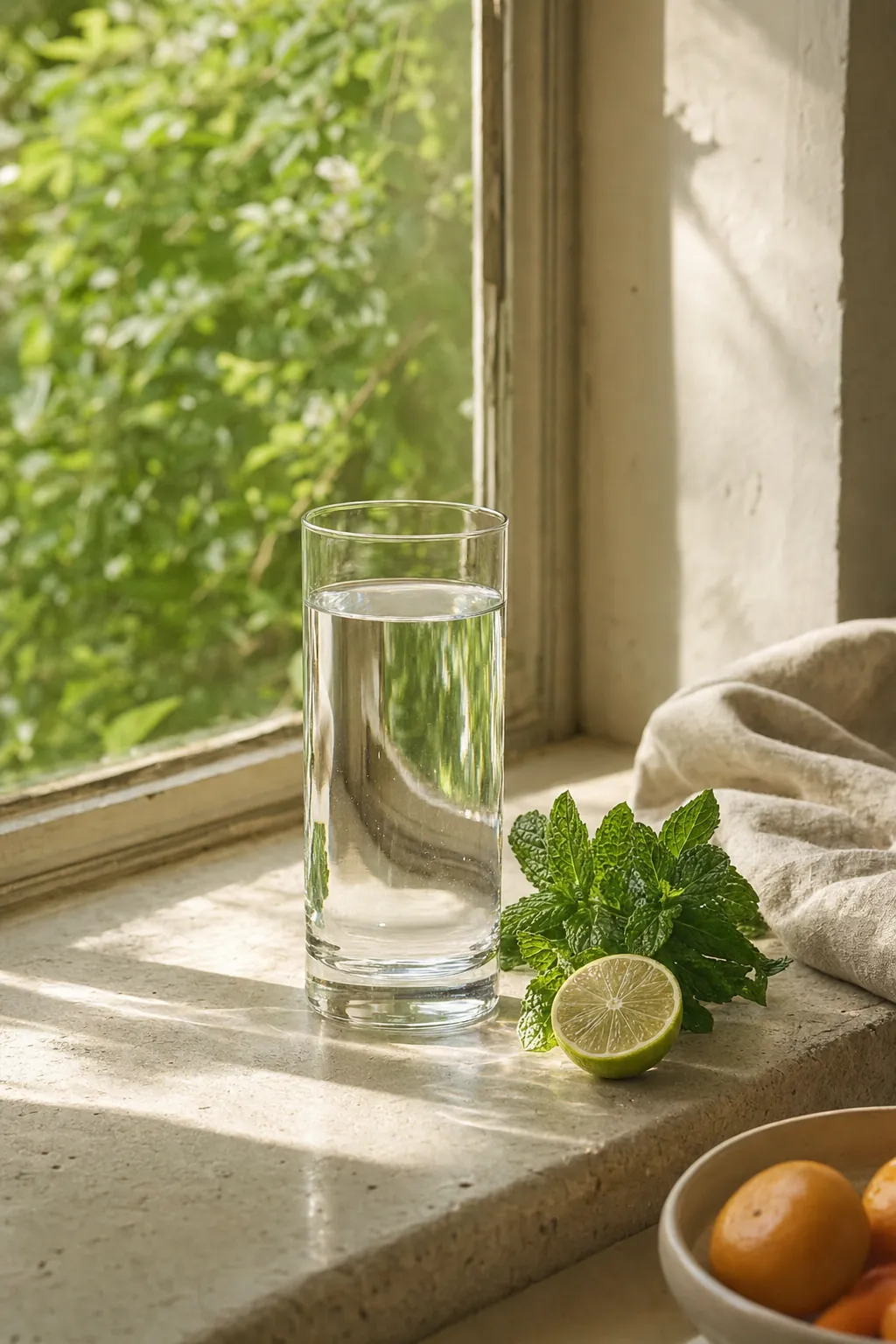
Log what you drink with a single tap. If you want, the app reminds you, and it works out the interval from your target.
Apple Health
Read-only: steps, active energy, height, weight. You allow each value separately, and TellerBuddy writes nothing back.
Intermittent fasting
14:10, 16:8, 18:6 or 20:4. You set your eating window, and the app shows how long the fast still runs.
Weight and target
Log your weight or take it from Apple Health, set a target weight and see the trend as a curve.
Five widgets
Calories left, macros, water, fasting window and day overview, on the home screen and partly on the lock screen.
Catch up any time
Forgot yesterday? Use the calendar to log any past day, with no deadline and no telling-off. Only water cannot be added afterwards.
7What we do differently
Health data is not a business model.
A nutrition app knows what you eat, how much you weigh and how you move. That is health data. You do not trade it, and you do not send it to an ad network either.

No trackers, no advertising ID
Not a single third-party SDK: no ad network, no advertising ID, no third-party crash reporting. That is why the app never asks for tracking permission. The one exception is in the FAQ.
Statistics with no personal data
We collect the few numbers we need ourselves. Only the event is stored, with no account, no device identifier and no IP address. More in the privacy policy.
Servers in Germany
Your data is held by a German provider, in Germany. The operator is a German company based in Göttingen. German law applies, and so does German jurisdiction.
An account is optional
You can get going without an account, and your diary, profile and weight then stay on your device. Anyone who signs in does so with Apple, and with “Hide My Email” we never learn your address.
Delete your account, take your data
Deleting happens in the settings, with no email to support: health data at once, the account after 30 days. Before that, one tap gives you all of it as a file.
AI only if you want it
Photo recognition only runs once you have explicitly consented, and you can withdraw that consent at any time. The picture is processed for the recognition and discarded.
To be straight about it: in the settings there is exactly one labelled recommendation for a kitchen scale with an affiliate link to Amazon. That is why the App Store lists TellerBuddy with "Contains Advertising". There is no ad network, no ad banner and no advertising ID.
8Honestly
What TellerBuddy can do, and what it cannot.
What it can do
- Count calories, protein, carbs, fat and, if you like, sugar, for every entry and every day.
- Find over 2.8 million products by barcode, and basic foods without any packaging.
- Work without an account: your diary, profile and weight then stay on your device.
- Weigh to the gram with a supported Bluetooth scale (with a subscription).
- Export your data to a file, and you delete your account yourself in the settings.
What it cannot do
- No Android, no web version, no Apple Watch: TellerBuddy is for iPhone and iPad with iOS 18 or later.
- It is not a medical device. Nutrition values and targets are estimates and do not replace advice.
- Not for children and teenagers: the app is intended for adults aged 18 and over.
- Search, photo recognition and backup need an internet connection.
- Not every label in the world is in the catalogue. If one is missing, you add the product yourself.
- Photo recognition, the Bluetooth scale and cloud backup are not free: they need a subscription.
9Price
Start free, extras with a subscription.
The core of TellerBuddy is free and needs no subscription. Photo recognition, the Bluetooth kitchen scale and cloud backup are only available with a subscription.
Free
no subscription, no ad network, no account needed
- Diary with barcode scanning, product search and items from the deli counter
- Your own recipes and your own products
- Calorie and macro targets, water, steps, intermittent fasting
- Weight and history, filling in past days from the calendar
- Widgets for the home screen and the lock screen
- Apple Health, read-only
- Export your data to a file
Premium
per month, or €29.99 a year · 3-day free trial
Prices for Ireland, VAT included; in Germany the yearly subscription is €24.99. The App Store shows the exact price for your country before you buy · Billed through the App Store
- AI photo recognition: photograph a meal instead of typing it
- Connect a supported kitchen scale*: place instead of type, the scale tares itself
- Cloud backup and restore on another device
* The scale is not included in the subscription and is sold separately. Supported are the Arboleaf CK10G (advertising link to Amazon) and the Acaia models Umbra, Pearl S, Lunar and Pyxis. As an Amazon Associate we earn from qualifying purchases.
- 1
Try it for three days
New subscribers try the subscription features free for three days. If you have had a subscription or a trial before, the subscription starts straight away. The App Store shows what applies before you buy.
- 2
Then the subscription renews
After the trial, the monthly or yearly subscription you chose runs and renews automatically. It is billed through your Apple Account.
- 3
Cancel whenever you like
In the Settings app under your name and "Subscriptions", also during the trial. Cancel at least 24 hours before it ends, otherwise Apple renews automatically.
The alternative to YAZIO, MyFitnessPal and others
Looking for a calorie counter without tracking, without an advertising ID and without gimmicks like streaks, badges and points? For the well-known apps we have put together what their development teams themselves state about privacy on the App Store, each with source and retrieval date.
Frequently asked questions
Your question is not here? You can reach us on the help page.
What is free, and what costs something?
Free, with no subscription and no account: diary, barcode scanner with over 2.8 million products, product search, deli counter, your own products and recipes, water, steps, fasting, weight, widgets, Apple Health and exporting your data.
With a subscription: AI photo recognition, the Bluetooth kitchen scale and cloud backup. New subscribers try the subscription free for three days; after that a monthly or yearly subscription renews automatically and can be cancelled at any time in your iOS settings.
Do you make money from my data?
No. We don’t embed an ad network, we don’t pass data on for advertising purposes and we don’t sell data. The app is funded by the premium subscription and by commission from product recommendations.
You see that recommendation in exactly one place in the settings, in the kitchen scale section: the Arboleaf CK10G as an affordable alternative to the Acaia models. It is marked as advertising and leads to Amazon through an affiliate link. If you buy there, we earn a commission and the price stays the same for you. Picture and text are entirely inside the app, nothing is fetched from Amazon and nothing about you is analysed: the notice simply disappears once the scale feature is switched on, and only your device remembers that. Not until you tap the link does your device open the Amazon page in the browser, and from then on Amazon’s own terms apply. You can read the details in section 11 of the privacy policy.
Where is my data stored?
On servers in Germany, run by a German provider. A network service provider is also involved in delivering the service. Exactly which providers these are and what they do is set out in full in the privacy policy.
What happens to my photos during AI recognition?
The recognition does not run on our side but at Google, as our processor. That is precisely why we ask for your permission beforehand. Without that consent no photo leaves your device, and you can withdraw it at any time in the settings.
The photo is processed for the recognition and discarded afterwards. If you would rather not do that at all, use the barcode scanner or type things in. Either one covers everyday use.
Do I need an account?
No. Tap “Continue without an account” on the first screen. The diary, barcode scanner, product search, recipes and Apple Health work without signing in and without a subscription, and your diary, profile and weight stay on your device.
An account is only needed for the features that cannot work without a server: recognising meals in photos, reading nutrition tables from product photos, submitting new products to the shared catalogue, and backing up your diary. You can sign in later at any time in the settings.
If you do sign in, it is with “Sign in with Apple” and nothing else. You never create a password, and with Apple’s “Hide My Email” we never get to see your real address in the first place.
Can I delete my account again?
Yes, right in the app under Settings. Your health data is deleted immediately, the account itself is removed completely after 30 days at the latest. Before that you can export all your data to a file.
Which devices are supported?
iPhone and iPad running iOS 18 or later. The app is available in German, English, French, Spanish, Italian, Dutch and Polish, and follows the language of your device.
Where does the product data come from?
Partly from Open Food Facts, an open food database under the Open Database License. Partly from users themselves, because anyone can add missing products.
And without the tedious typing: you have already scanned the barcode, and you add three photos of the front, the nutrition table and the ingredients. The app reads all the values automatically. The product is in the catalogue straight away, marked as unchecked, and is reviewed afterwards. That is how it grows a little every day.
Does this replace dietary advice?
No. TellerBuddy is not a medical device. Nutrition values and calorie calculations are estimates and can be inaccurate. If you are dealing with an eating disorder, an illness or any medical question, please talk to a qualified professional.
Do you use the app yourselves?
Yes, every day. Whatever annoys us in daily use moves up the list and gets fixed. We are always glad to hear your feedback.
We are not going to promise anything. But rather than turning the app into a game with points and badges, we would sooner put our time into bug fixes and useful features.
How is TellerBuddy different from YAZIO or MyFitnessPal?
TellerBuddy works without an ad network and without tracking across other companies’ apps. What the big calorie counters themselves state about this on the App Store, we have set side by side on a separate page: TellerBuddy as a YAZIO alternative.
Log it. Eat. Done.
No game, no points, no ad network. A diary for what is on your plate.